An open house produces three kinds of attention: people who plan to come, people who are walking through, and people who wish they had come. One post cannot serve all three. A short sequence can. Below are the posts, what image goes with each and the follow-up that turns visitors into conversations. The flyer itself is covered in the open house flyer guide.
The sequence at a glance
| When | Post | Image |
|---|---|---|
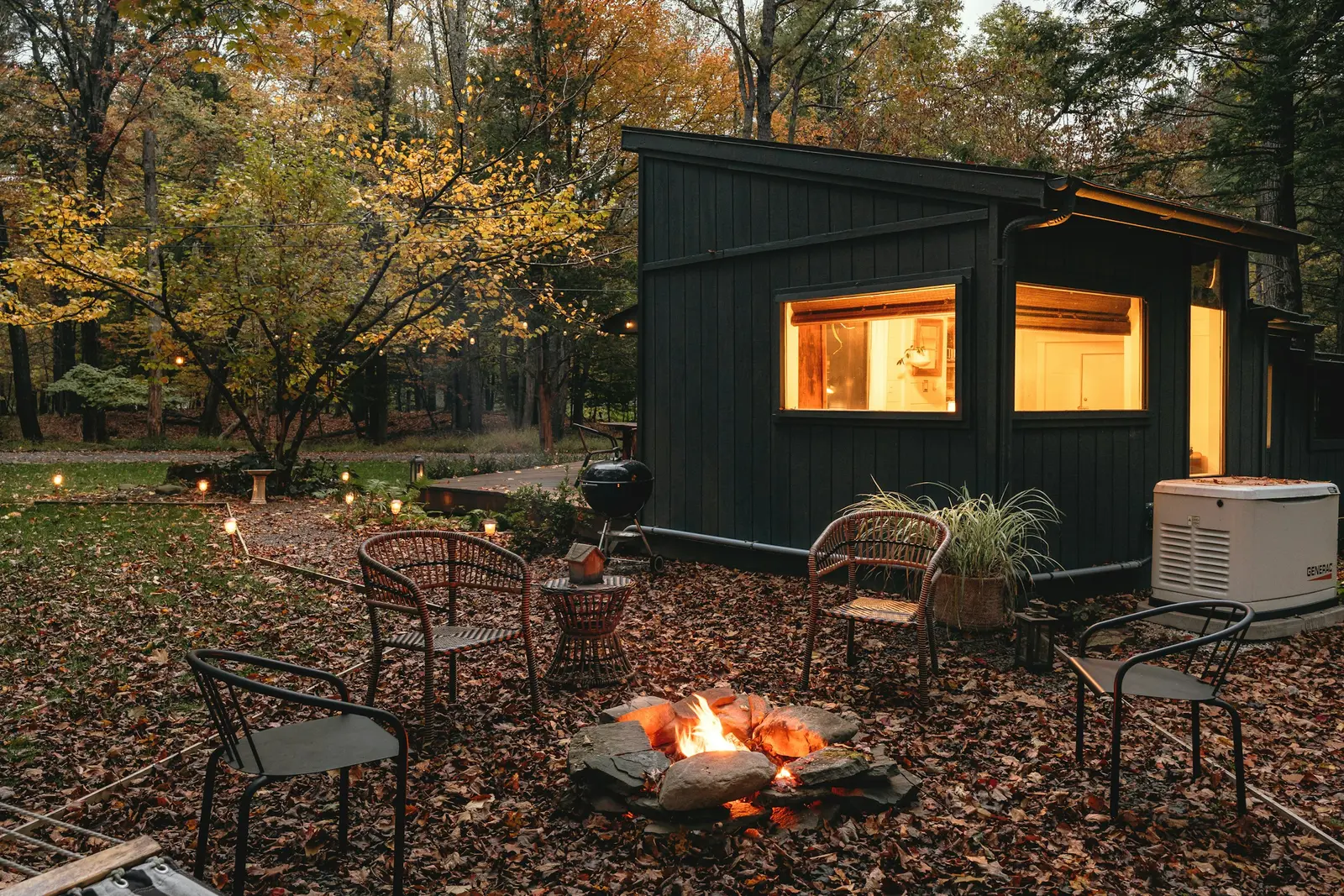
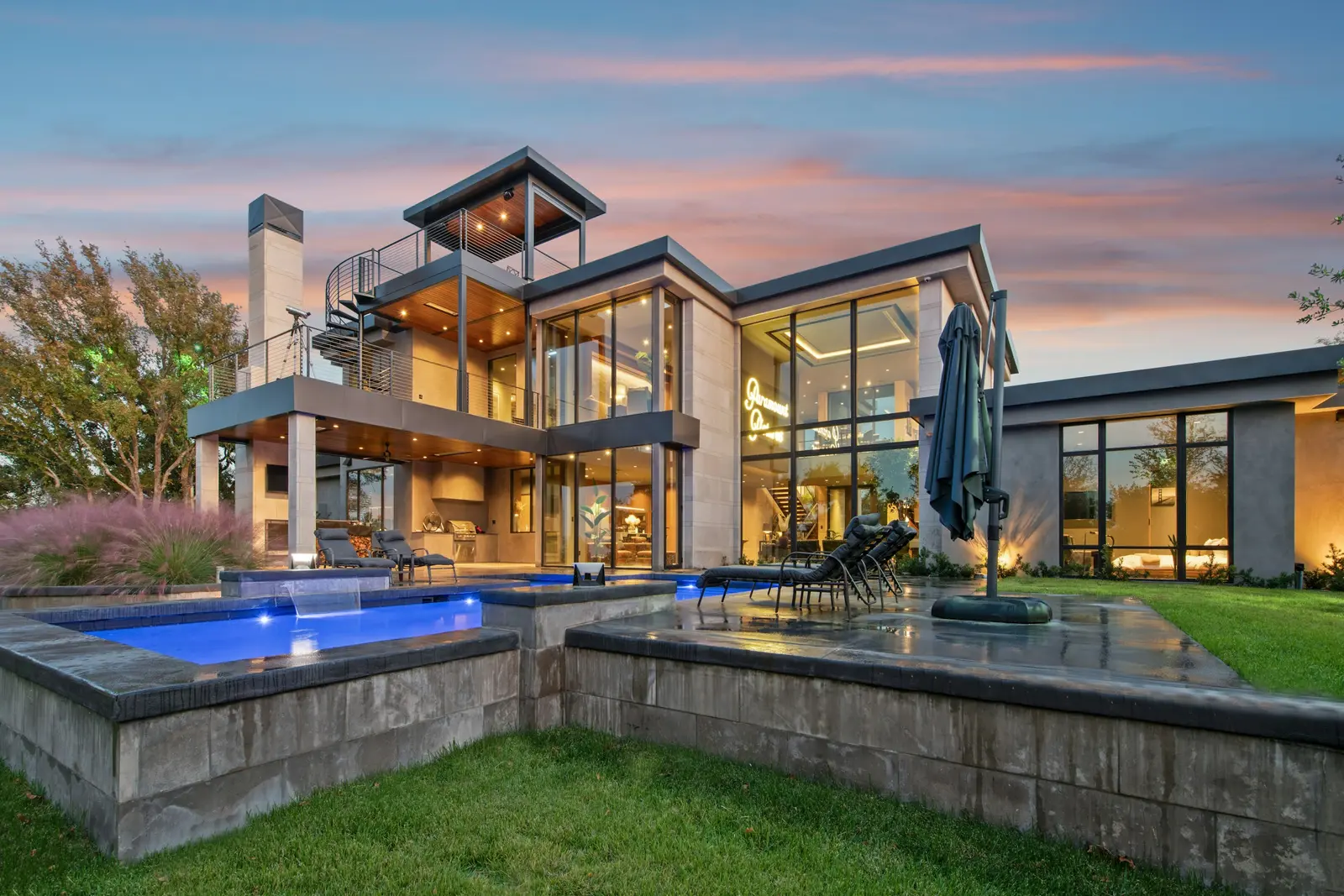
| 3 to 4 days before | Announcement | Best exterior or the flyer image |
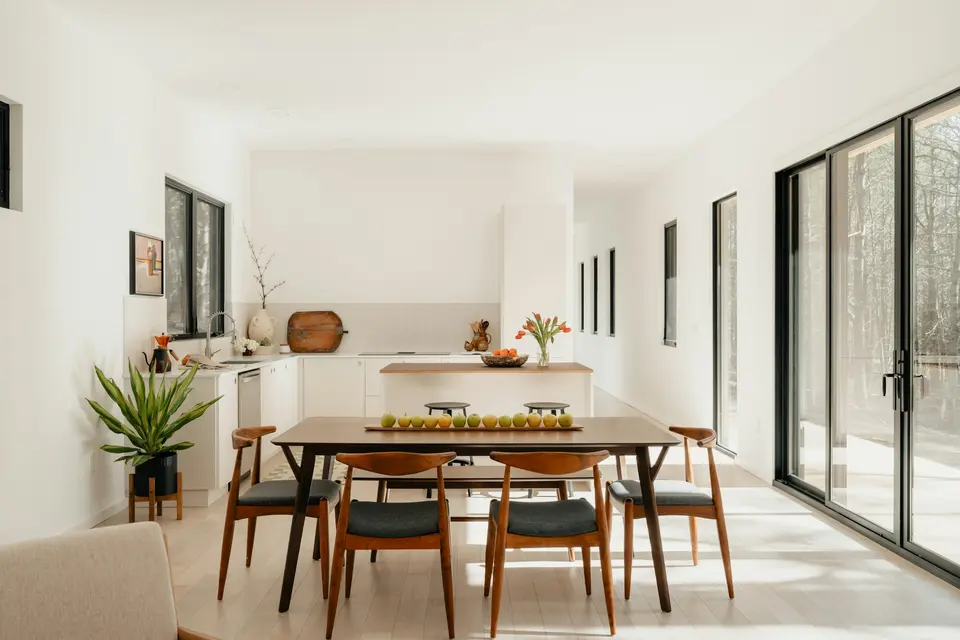
| 1 day before | Feature teaser | The room you describe |
| Morning of | Reminder with time | Exterior photo with the sign out front |
| During | Story or short video | A walk from the door to the kitchen |
| Day after | Thank you and next step | Exterior or a detail shot |
The days are suggestions. Pick the rhythm you can keep for the whole run of the listing.
Before: announcement
Example, fictional property. Placeholders in braces.
OPEN HOUSE {day}, {time range}
{Street address}, {city}
{beds} bed · {baths} bath · {sqft} sq ft · ${price}
Come see the {one feature}. {Agent name} will be there.
Directions and photos: {property page URL}
Before: feature teaser
Tomorrow, {time range}: {street address}.
The {room} has {specific detail, such as a brick fireplace or a wall of windows}.
Come see it in person. {Agent name}, {brokerage}.
Morning of: reminder
Open today, {time range}.
{Street address}, {city}. Look for the sign at the corner of {street} and {street}.
Parking: {where to park}.
See you there. {Agent name}
Put the parking line in. It is the question visitors ask most, and answering it in the post saves a phone call.
During: stories and short video
- Story 1. The front door with a text sticker: "Open until {time}".
- Story 2. A 10 second walk from the entry to the kitchen, no voiceover needed.
- Story 3. A close shot of one feature with the price on screen.
- Story 4. The sign with an arrow and your name.
Shoot vertical, and keep text away from the top and bottom edges where the app puts its own buttons. For sizes and formats read listing video specs. Ask visitors before you film them, or keep people out of the frame. Do not post anyone's face without their consent.
After: thank you and next step
Thank you to everyone who came to {street address} on {day}.
The home is still available at ${price}.
Missed it? Message {agent name} for a private showing.
Open house recap for {street address}.
{Number} groups came through. The kitchen got the most questions.
Showings continue by appointment. {Agent name}, {brokerage}.
Only report a visitor count if you counted. Do not guess or round up.
Following up with visitors
A sign-in sheet is only useful if you use it the same day. Send a short note.
Hello {first name},

Thank you for coming to {street address} today. Here is the link to the photos and details: {property page URL}.

If you would like a second look, or want to see similar homes in {area}, reply to this message and I will set it up.

{Agent name}, {brokerage}, {phone}
Ask on the sign-in sheet whether the visitor is working with an agent. If they are, thank them and leave it there.
Make each post work harder
- Date and time go in the first line. A reader scrolling fast should see them before anything else.
- Name the town in at least one hashtag so local buyers find the post.
- Put your name and brokerage in every caption so a shared post still points to you.
- Link to a single page with the photos and the facts, such as a property website.
- Describe the home, not the buyer. See fair housing listing descriptions.
- Check each platform's current rules for caption length and hashtags before you schedule.
A plan for the week
- Monday: write all five captions and schedule the first two.
- Thursday: announcement goes up. Confirm the flyer is printed.
- Friday: feature teaser.
- Saturday morning: reminder. Stories during the event.
- Sunday: thank you post and the follow-up notes to visitors.
- Next seller report: include the open house, the groups who came and the feedback you heard. A weekly seller report template helps here.
If few people show up
A quiet open house still gives you material. Post the exterior and the kitchen at the end of the day, thank the neighbors who stopped in, and note what they asked. Neighbors often know a buyer, and their questions tell you what the listing text leaves out. Add the answers to the property page or the next caption. Then book private showings for the people who said they would like another look.
How HomeListKit does it
Every HomeListKit kit includes a flyer, five captioned posts and a vertical tour video, so the open house announcement and the reminder have finished images before the weekend. The 30-day marketing plan shows where an open house fits. The sample kit shows a finished set for a real listing.
- $79 per listing. Per-listing kits are refunded in full if the kit is not right after one round of changes.
- $149 a month for unlimited listings for one agent.
- $999 a month for a brokerage, up to 10 agents.
Monthly plans cancel anytime, and the first month is refunded if you cancel within 14 days. See the pricing, or ask for your first kit free on a current listing. Email a listing link to [email protected].