An open house flyer needs the address, price, bed, bath and square footage, three to six real features, the open house date and hours, your name and brokerage, and one link or QR code to the property page. Print it on one letter-size page, front only, and keep a stack by the door.
What goes on the flyer, in order
- The words "Open House" with the day and hours. If the flyer will also be used after the event, leave the date as a line you can edit.
- The address, city and ZIP. Large enough to read across a room.
- List price. Use the exact number from the MLS entry.
- Beds, baths (full and half), finished square feet. Copy them from the listing, never from memory.
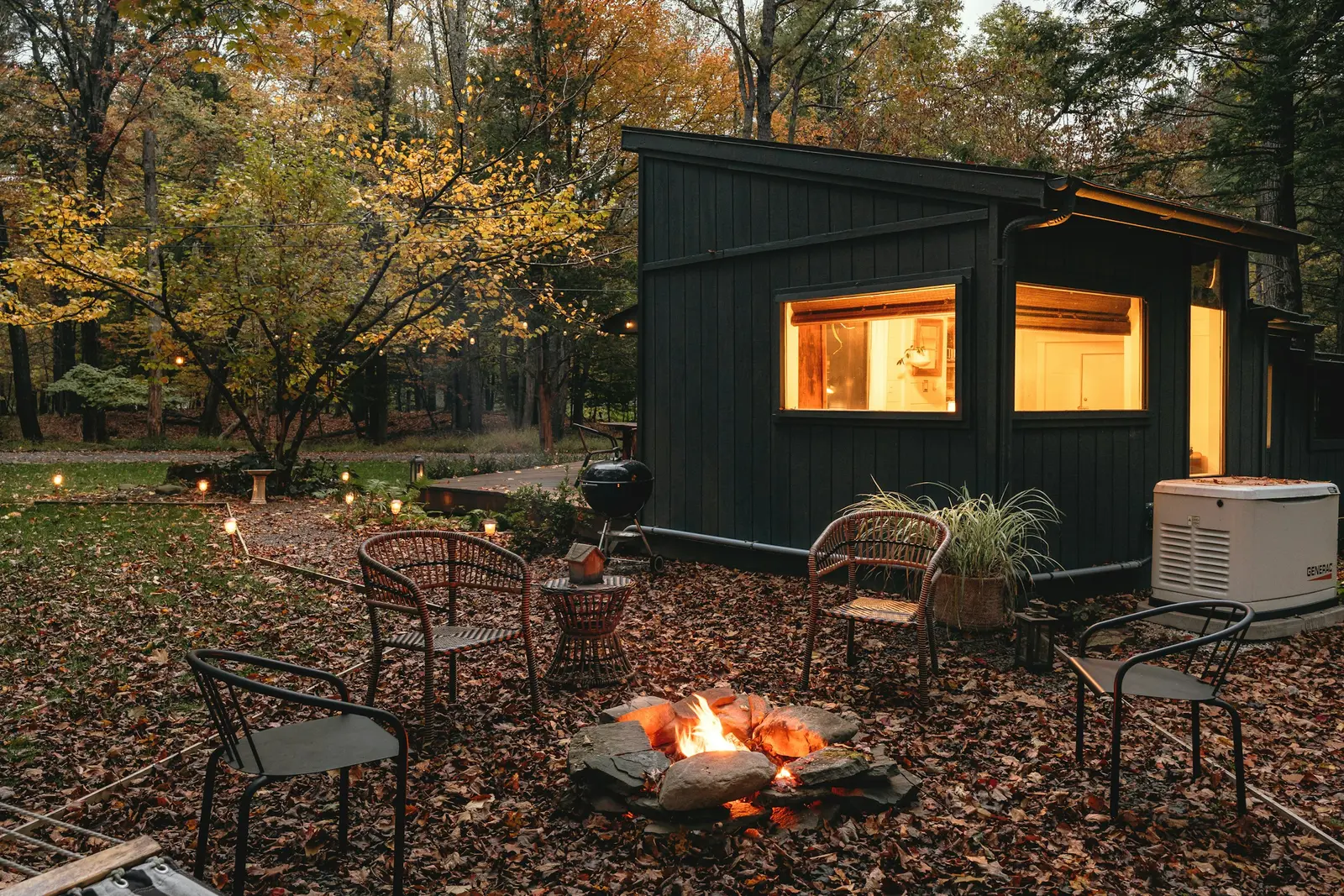
- One hero photo. The exterior in good light, or the best interior if the exterior is weak. Add two or three smaller photos only if they stay sharp when printed.
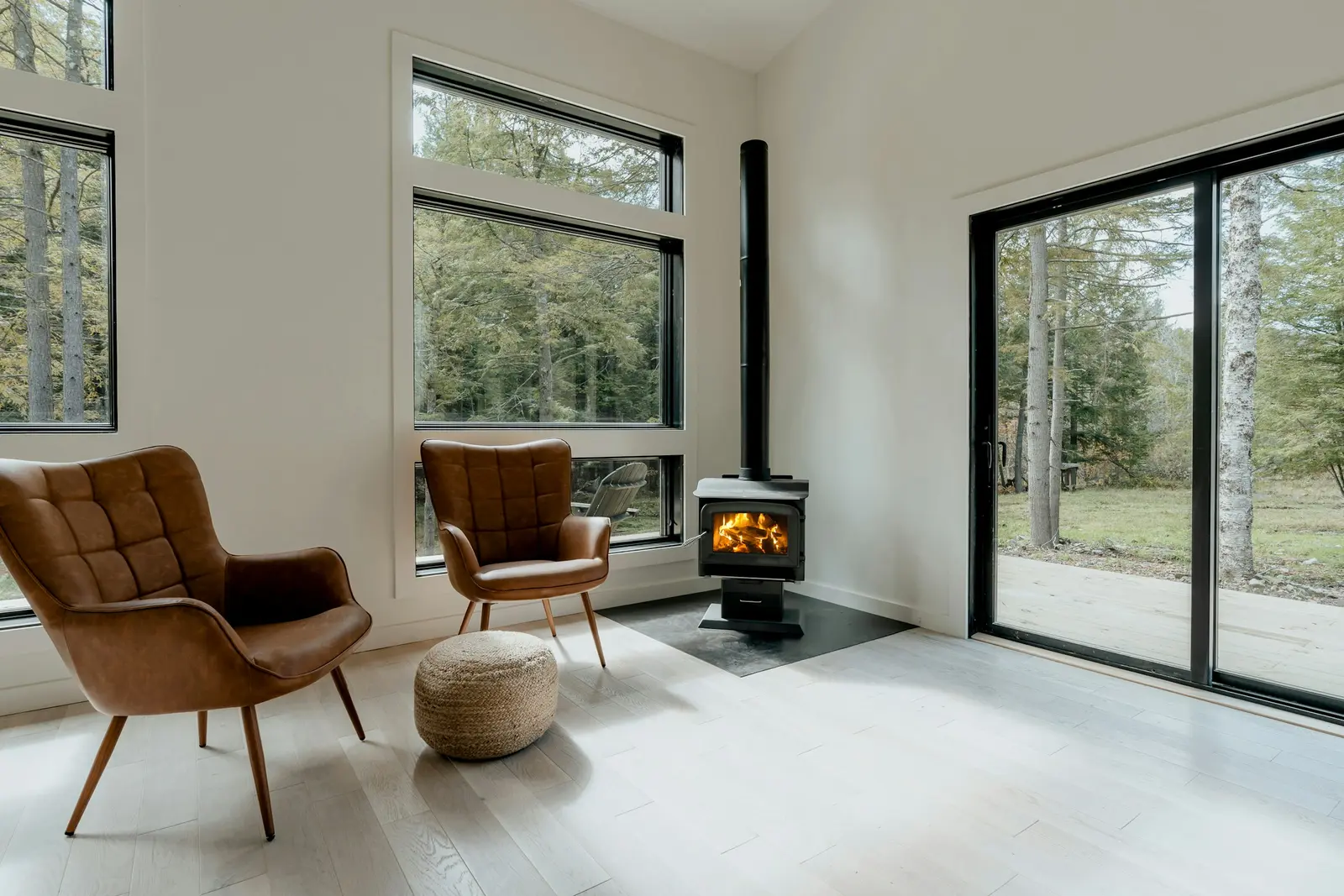
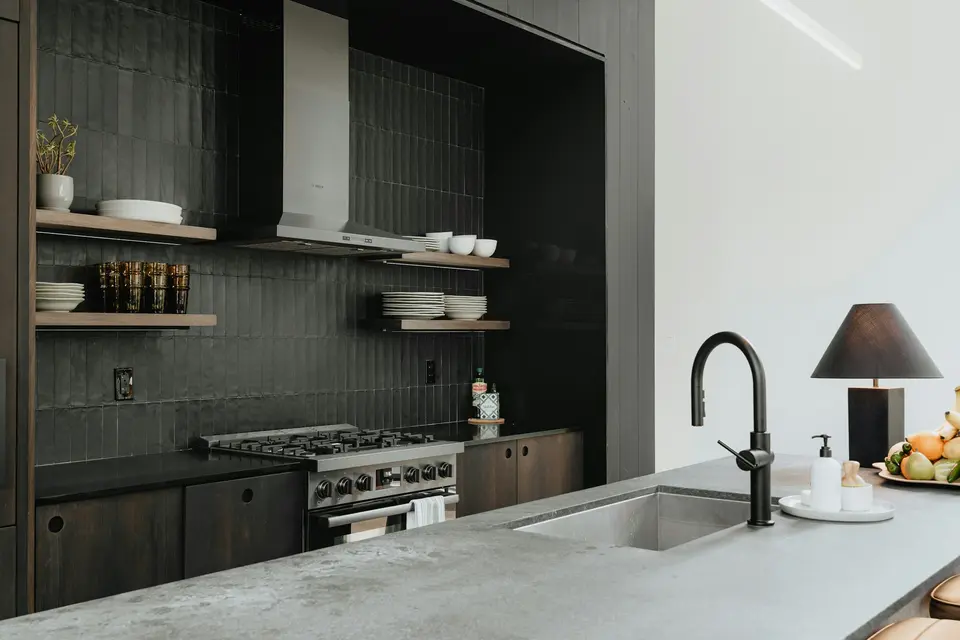
- Three to six feature lines. Each one a fact you can point at in the house: "tile floors through the kitchen and nook", not "beautiful finishes".
- Your name, brokerage, phone and email. Your brokerage's required disclosures and logo rules apply here, so check your broker's policy before printing.
- A QR code and a short URL that open the property page.
Layout table for one letter page
| Zone | Contents | Rough share of the page |
|---|---|---|
| Top band | Open House, date, hours | About one tenth |
| Hero | Main photo, address, price | About a third |
| Facts strip | Beds, baths, square feet | One line |
| Features | Three to six short lines, two columns if they fit | About a quarter |
| Footer | Agent name, brokerage, phone, QR code, URL | About a fifth |
The shares are a starting point we use for layout, not a standard. Move things until the page reads in three seconds.
Copy-paste text for the flyer
Fill the braces from the listing. Keep each feature to one line.
OPEN HOUSE
{Saturday, March 8} · {1:00 to 3:00 PM}

{Street address}
{City}, {State} {ZIP}

${price}
{beds} bed · {baths} bath · {sq ft} sq ft

- {Feature you can see in a photo}
- {Feature you can see in a photo}
- {Feature you can see in a photo}
- {Feature you can see in a photo}

Photos, video and details:
{short URL}   [QR code]

{Agent name}
{Brokerage} · {phone} · {email}
Print basics
- Paper size. US Letter is 8.5 by 11 inches. Export the flyer as a one-page PDF at that size so any office or print shop can run it.
- Margins and bleed. Printers differ on how close to the edge they print. Ask your print shop for its margin and bleed requirements before you place text near an edge, and keep type well inside the page.
- Photos. Use the largest originals from the photographer. A photo that looks fine on screen can print soft.
- Test print. Print one copy before you print forty, and scan the QR code from the paper with your own phone.
- Quantity. Print more than you expect to give away, and keep a stack on the counter and one at the door.
The QR code
Point the QR code at the listing's own page with the photos, the facts and a way to ask for a showing. A page built for a phone loads fast on a cell connection in a house with thick walls. Make the code at least a thumb-width square on the printed page, put it on a plain white background, and print the short URL under it for anyone who prefers to type. If you track visits, give each placement its own link so you can tell paper from social. See how to build a single-property website for what that page should hold.
Open house sign-in tips
- Put the sign-in sheet or tablet at the door with a pen attached, and greet each visitor before they reach it.
- Ask for name, phone or email, and whether they are working with an agent. Keep it to three fields.
- Tell people what the information is for. "I will send you the price and the photos" is a reason people accept.
- Follow up the same day with the property page link and one line about the house. Texting rules and your brokerage's contact policy apply, so check them before you send anything in bulk.
- Count the sign-ins and the flyers left at the end, and put both numbers in your note to the seller. The seller weekly report guide shows where they go.
Common flyer mistakes
- Describing the buyer ("perfect for a growing family") rather than the home. Read the fair housing listing description guide before you write feature lines.
- Ten features in six-point type. Pick the best five.
- A QR code that points to the MLS login or a PDF that needs a download.
- No date on the flyer, so it cannot be reused.
- A price that differs from the MLS price after a change. Recheck on the morning of the event.
How HomeListKit does it
Every kit includes a letter-size open-house flyer as a PDF. We checked the sample flyer for 305 W Melbourne Avenue, Peoria, and it is one page at 612 by 792 points, which is US Letter. It shows the words For Sale, the address, the price with beds, baths and square feet, five feature lines taken from the listing, the agent name and brokerage, and the link to the property page. It prints the link as text, so add your own QR code if you want one. You can see it from the sample kit, next to the tour video and the seller report.
A kit also includes the tour video, MLS and social copy, a single-property page and five captioned posts. Pricing is $79 per listing. Agents who list all year can take the unlimited plan at $149 a month for one agent, and a brokerage plan is $999 a month for up to 10 agents. Your first kit for a current listing is free: email a listing link to [email protected]. Per-listing kits are refunded in full if they are not right after one round of changes. Monthly plans cancel anytime, and the first month is refunded if you cancel within 14 days.
Where the flyer fits
The flyer belongs in the second half of your launch. Put it with the other pieces in the listing launch checklist, and plan the event inside a 30-day listing marketing plan. For the post that announces the open house, see just listed social media posts.