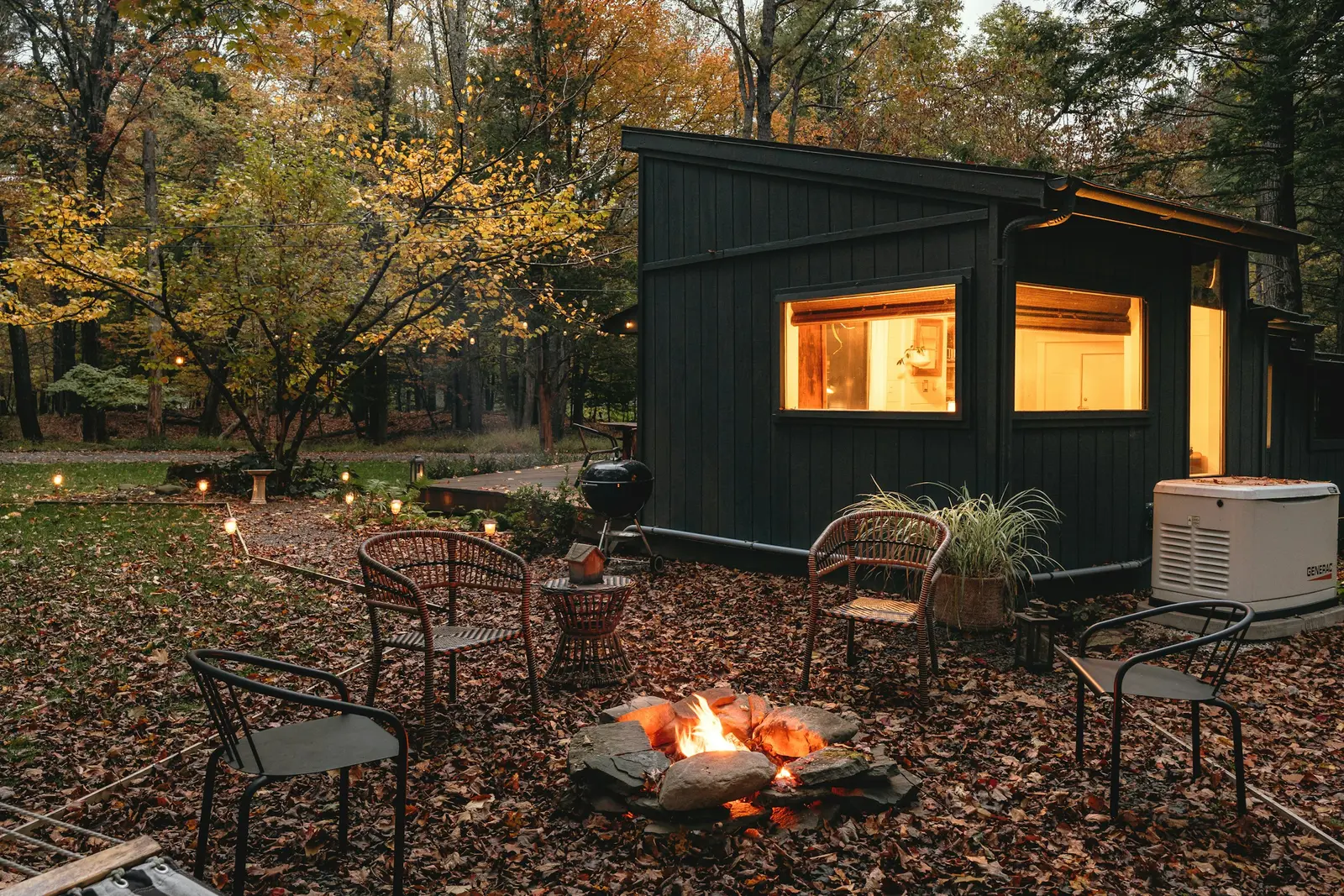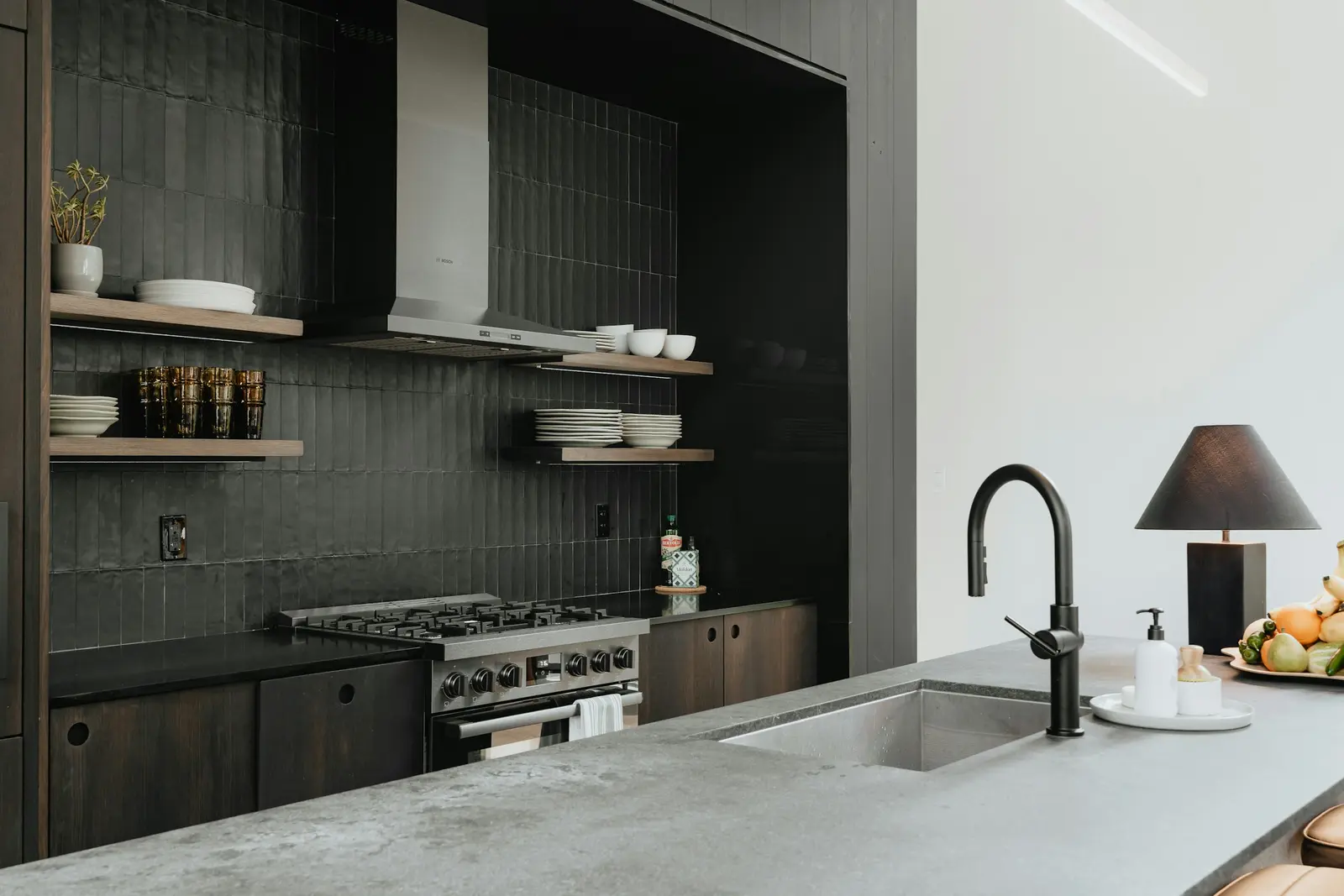
A single property website is a one-page site for one listing. It needs a hero photo, price and basic facts, the description, a photo gallery, a map link, your contact details and a way to request a showing. It should load fast on a phone, since most visitors arrive from a social post or a QR code.
What goes on the page
- Hero photo and address. The first thing a visitor sees, with the city and ZIP.
- Price and facts. List price, beds, baths, finished square feet. Add lot size and year built if the listing has them.
- A headline and the description. The MLS remarks, edited for the web.
- Highlights. Five to eight short lines, each a fact visible in a photo.
- Every photo. A gallery that opens full size.
- Video. A short vertical tour if you have one. Check the listing video specs so it plays on phones.
- A map link. A link that opens the address in a maps app is enough.
- A showing request. One button. It can go to your own scheduling page, your email or your brokerage's listing page.
- Who is listing it. Your name, brokerage and a contact method.
- A flyer download. A PDF for people who want paper. The open house flyer guide shows the layout.
What to leave out
- Anything not in the MLS entry. If a fact is not in the listing, confirm it with the seller before it goes live.
- Descriptions of who should buy. Describe the property. The fair housing listing description guide goes through examples.
- The seller's name, schedule, alarm codes or lockbox details.
- A long form. Name and phone is enough to start.
- Autoplay audio, pop-ups and a chat widget that covers the photos.
- Other houses. The page is for this one.
Rules on virtual tours, branding and what may appear on a listing site vary by board and MLS. Check your MLS's rules and your brokerage's policy before you publish.
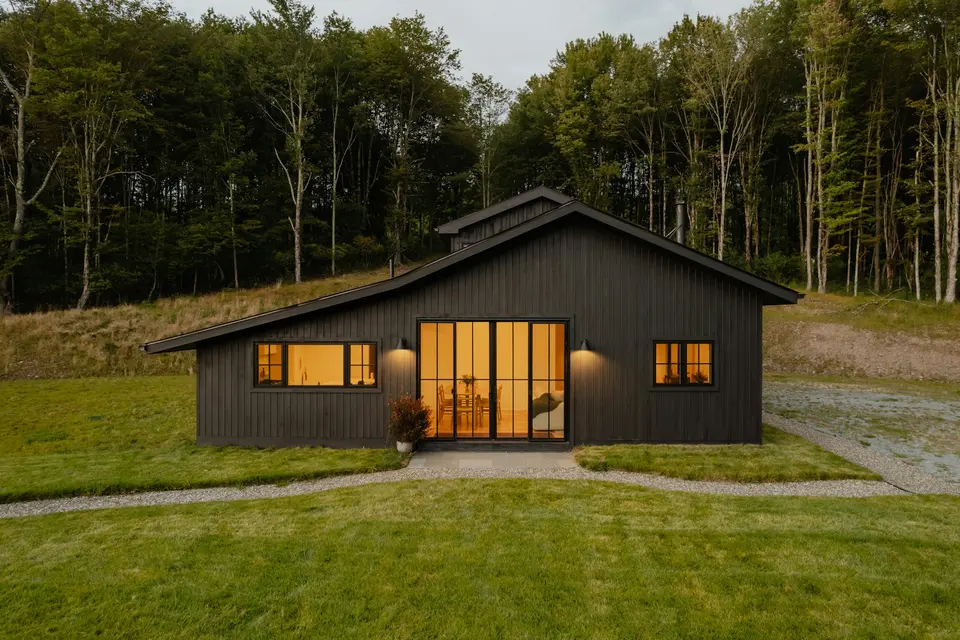
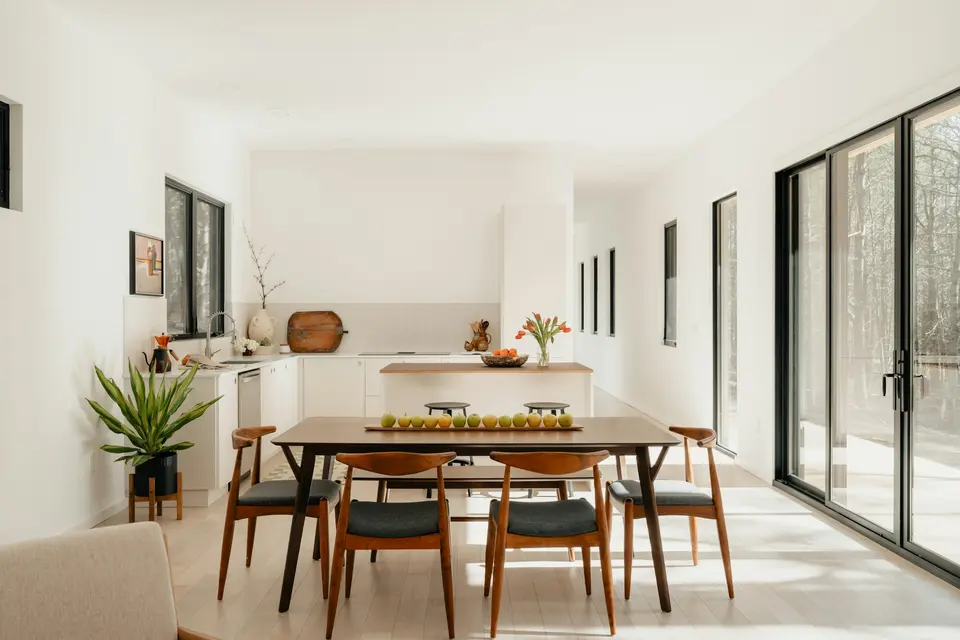
Mobile first
| Check | What to look for |
|---|---|
| Hero | Photo, address and price visible without scrolling on a phone |
| Tap targets | Showing button large enough for a thumb |
| Photo size | Compressed so the page opens on a weak connection |
| Text | Readable without pinching |
| Gallery | Swipe or tap to the next photo, close in one tap |
| Contact | Phone number is a tap-to-call link |
Open the page on your own phone, over cellular rather than wifi, before you send it to anyone.
The URL and the QR code
- Use one address for the whole life of the listing and never change it after you print it.
- Print the short URL under every QR code.
- Add a tag per placement, such as a different ending for the sign rider, the flyer and the Instagram bio, so you can tell where visits come from.
- Scan the code from a printed copy before the whole stack is printed.
- Put the link first in your texts, your email signature and your Instagram bio for the first week.
How to count views
- Pick the number you will report. Page visits is the simplest. Showing requests is the one the seller cares about.
- Use a visit counter that does not slow the page, and exclude your own visits.
- Record the count on the same day each week, and write down which placements were live.
- Report the numbers with what happened that week, such as a post, an open house or a price change.
- Compare week to week for this listing. Different listings are different houses, so a count means little against someone else's.
Weekly note to the seller

Page visits this week: {number}
Showing requests from the page: {number}
Posts and sends this week: {list}
Open house sign-ins: {number}
Next week: {one change you will make}
The seller weekly report guide shows how to fit these numbers into a report the seller will read.
How HomeListKit does it
Every kit includes a single-property page. We read the sample for 305 W Melbourne Avenue, Peoria, at the sample property page. It has a full-width hero photo, the address, the price of $189,900, 3 beds, 1.5 baths and 1,958 square feet, a headline and a written description, eight highlights, the listing agent and brokerage, a request-a-showing button that links to the agent's own listing page, an Open in Google Maps link and a gallery of every photo. The page tells visitors to verify details with the listing agent. The full sample kit also holds the tour video, the flyer, five captioned posts and the seller report.
Pricing is $79 per listing. Unlimited listings for one agent is $149 a month, and a brokerage plan is $999 a month for up to 10 agents. Your first kit for a current listing is free: email a listing link to [email protected]. Per-listing kits are refunded in full if they are not right after one round of changes. Monthly plans cancel anytime, and the first month is refunded if you cancel within 14 days.
Where it fits
The page is the destination for the links in your just listed posts, the QR code on your flyer and the link in your coming soon post. Cost questions about the video that sits on it are covered in listing video cost, and the order of work is in the listing launch checklist.