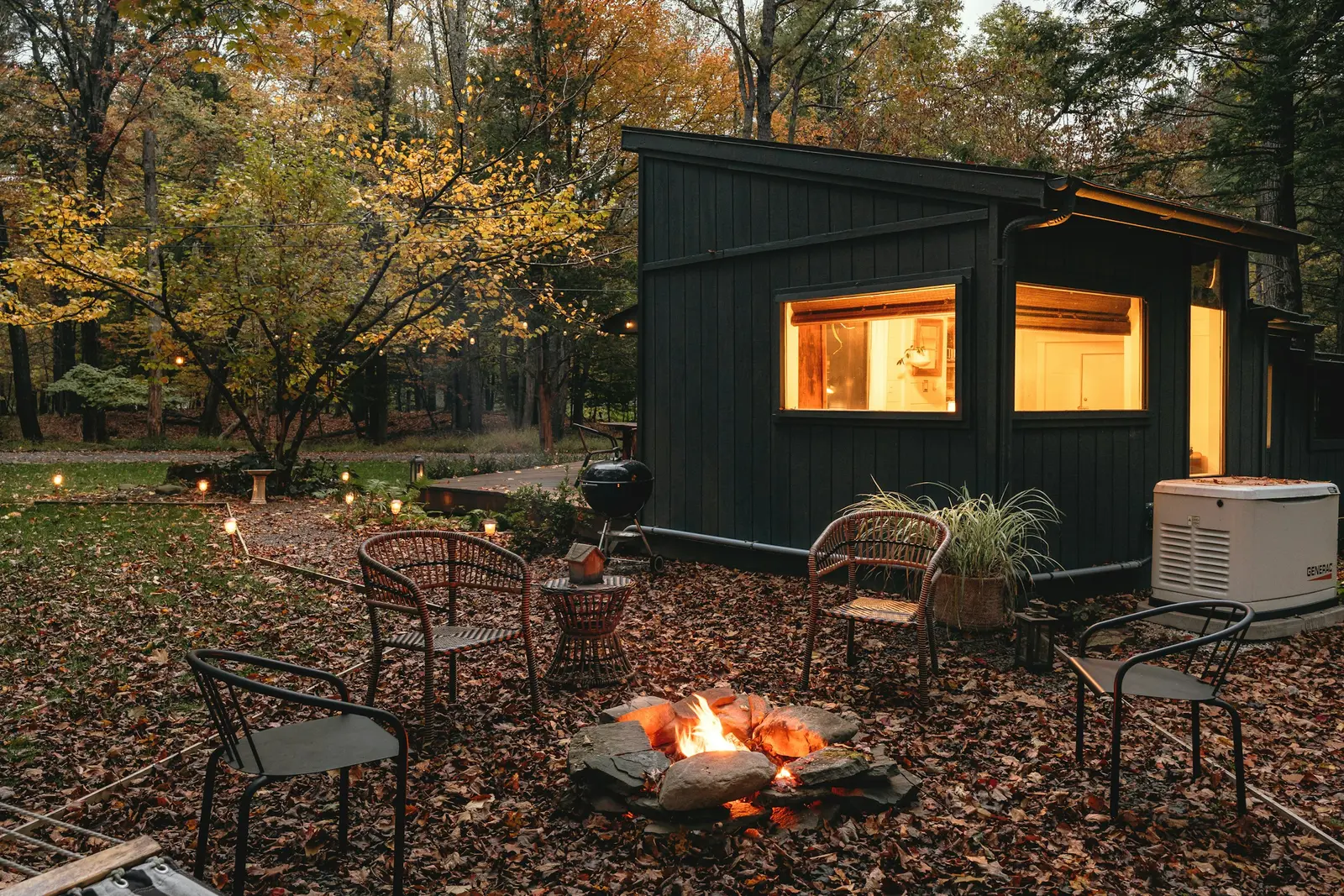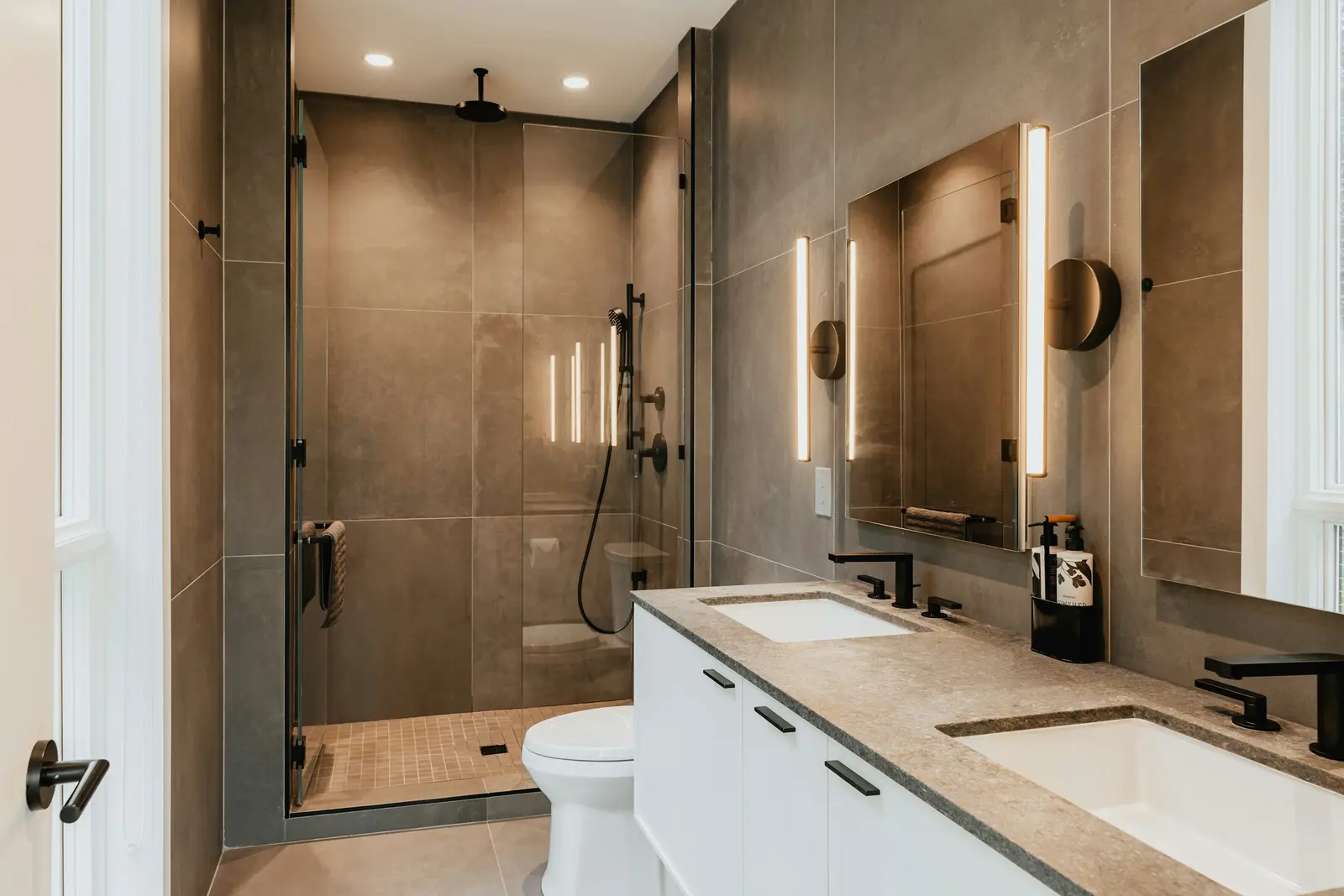
A good just listed post has one photo, the address or area, the bed, bath and square-foot numbers, the price, one feature and one next step. Keep it to a few short lines. The templates below cover the just listed post and five follow-ups across the listing's life.
1. Just listed
JUST LISTED in {city}: {street address}.
{beds} bed · {baths} bath · {sqft} sq ft for ${price}.
{One feature from the exterior photo}.
Message {agent name} ({brokerage}) for a showing.
#justlisted #{city}realestate #{city}homes #homeforsale
2. Feature spotlight
{Room name}
{One sentence on the feature, with a material or layout detail}.
{Street address}, ${price}.
Details and showings: {agent name}, {brokerage}.
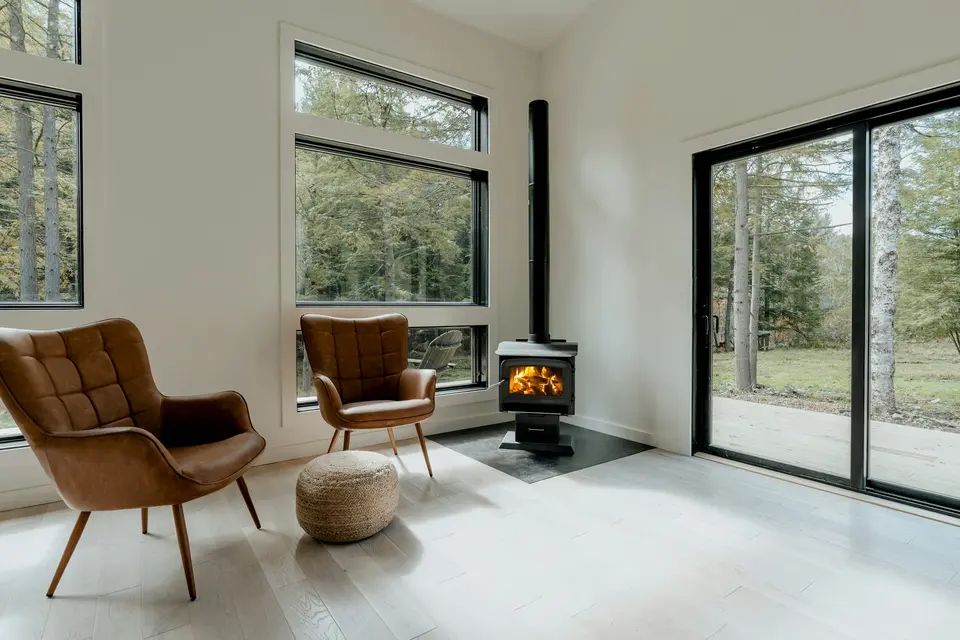
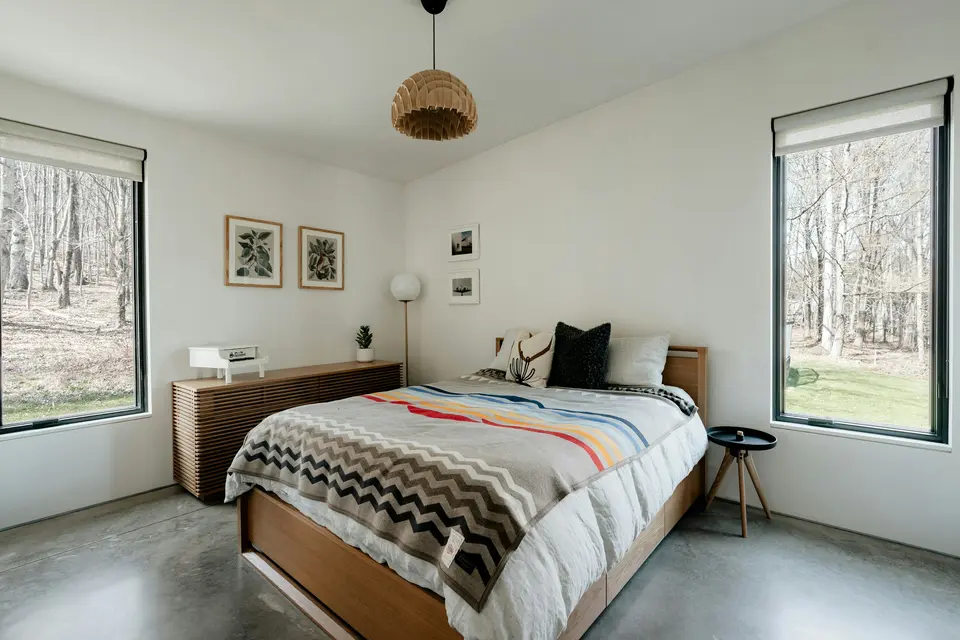
3. The numbers
By the numbers
{street address}, {city}: {beds} bed · {baths} bath · {sqft} sq ft.
Offered at ${price}.
{Lot or outdoor fact}.
Reach {agent name} at {brokerage} to see it in person.
4. Open house
OPEN HOUSE {day}, {time range}
{Street address}, {city}
{beds} bed · {baths} bath · ${price}
Come see the {one feature}. {Agent name} will be there.
Post this a few days ahead and again the morning of. A flyer gives people something to share.
5. Price change
New price on {street address}: now ${new price}.
{beds} bed · {baths} bath · {sqft} sq ft.
{One feature}. Showings with {agent name}, {brokerage}.
State the new number and leave the old one out. A price change is a fresh reason for a buyer to look again.
6. Sold
SOLD: {street address}, {city}.
Thank you to the seller and to the buyer's agent, {name if you have permission}.
{One sentence about the home, in past tense}.
Thinking of selling? Message {agent name}.
Get the seller's and buyer's agreement before you name them, and check your MLS's rules on posting sold prices.
Post type, image, length and timing
| Post | Image | Caption length | When |
|---|---|---|---|
| Just listed | Best exterior photo | Short, 3 to 5 lines | The day it goes live |
| Feature spotlight | The room the caption names | Short, 2 to 4 lines | Days 2 and 3 of the launch week |
| The numbers | Photo of the lot or a front angle | Short, with the facts in one block | Mid-week |
| Tour | Vertical video | Short, with the facts and a showing line | End of launch week |
| Open house | Exterior or flyer image | Short, date and time first | Days before, then the morning of |
| Price change | Exterior photo | Short, new price first | The day the MLS updates |
| Sold | Exterior photo | Short, 3 to 4 lines | After closing |
The days above are suggestions. Pick a rhythm you can keep. The 30-day marketing plan lays out a longer schedule.
Hashtags and calls to action
- Use a small set. Two or three hashtags for the city and the listing status are enough, and the same set on every post makes your feed easy to search.
- Name the town in at least one tag so local buyers find it.
- End on one ask. "Message me for a showing" works. Stacking three asks does not.
- Put your name and brokerage in every caption so a shared post still points back to you.
- Describe the home. Leave who the buyer should be out of it. See fair housing listing descriptions.
No two platforms agree on how long a caption can be or how many hashtags help, and those rules change. Check each platform's current limits before you schedule.
The five-post set, with real captions
HomeListKit makes five captioned posts per listing. They are a just listed post, two feature spotlights, the numbers and the tour. The sample kit shows all five for 305 W Melbourne Avenue in Peoria. The just listed caption reads:
JUST LISTED in Peoria: 305 W Melbourne Avenue. 3 bed · 1.5 bath · 1,958 sq ft for $189,900. Brick exterior with steep gables, an arched front door and a tall chimney. Message Rebecca Gaetz-Bishop (Keller Williams Premier Realty) for a showing. #justlisted #Peoriarealestate #Peoriahomes #homeforsale
The two feature posts name the kitchen (a galley kitchen with full-height wood cabinetry) and the living room (a brick fireplace and a wall of windows). The numbers post gives the facts and the lot. The tour post points to the 30-second video. Each caption uses facts from the listing and details visible in its photos.
For the video's size and format, read listing video specs. The sample's tour video is on the sample kit page. Once the posts are done, the weekly seller report tells the seller where the attention came from.
A week of posting, step by step
- Day 1. Post the just listed photo with caption 1.
- Day 2. Feature spotlight on the kitchen.
- Day 3. Feature spotlight on the living room or the yard.
- Day 5. The numbers post.
- Day 7. The tour video, with a showing line.
How HomeListKit does it
Every kit includes the five captioned posts above plus a tour video, MLS and social copy, a single-property page, a flyer and a seller report.
- $79 per listing. Per-listing kits are refunded in full if the kit is not right after one round of changes.
- $149 a month for unlimited listings for one agent.
- $999 a month for a brokerage, up to 10 agents.
Monthly plans cancel anytime, and the first month is refunded if you cancel within 14 days. The first kit for a current listing is free. Email a listing link to [email protected].